> ## Documentation Index
> Fetch the complete documentation index at: https://developers.circle.com/llms.txt
> Use this file to discover all available pages before exploring further.
> ## Agent Instructions
> Before reading these docs, install the relevant Circle Skill to get pre-loaded context — skills are LLM-optimized and cover architecture decisions, correct flows, and common pitfalls. In Claude Code: run /plugin marketplace add circlefin/skills then /plugin install circle-skills@circle. With Vercel Skills CLI: run npx skills add circlefin/skills. Available skills: use-usdc https://github.com/circlefin/skills/blob/master/plugins/circle/skills/use-usdc/SKILL.md (balances, transfers, approvals on EVM and Solana); EURC has no skill — see https://developers.circle.com/stablecoins/what-is-eurc.md; bridge-stablecoin https://github.com/circlefin/skills/blob/master/plugins/circle/skills/bridge-stablecoin/SKILL.md (crosschain transfers via CCTP, USDC, EURC, and third-party assets); use-arc https://github.com/circlefin/skills/blob/master/plugins/circle/skills/use-arc/SKILL.md (Arc chain config, contract deployment, USDC bridging — Arc docs: https://docs.arc.io/llms.txt); use-circle-wallets https://github.com/circlefin/skills/blob/master/plugins/circle/skills/use-circle-wallets/SKILL.md (choose wallet type); use-developer-controlled-wallets https://github.com/circlefin/skills/blob/master/plugins/circle/skills/use-developer-controlled-wallets/SKILL.md (custodial wallets for payouts and treasury); use-user-controlled-wallets https://github.com/circlefin/skills/blob/master/plugins/circle/skills/use-user-controlled-wallets/SKILL.md (embedded wallets with Web2 login); use-modular-wallets https://github.com/circlefin/skills/blob/master/plugins/circle/skills/use-modular-wallets/SKILL.md (smart contract wallets with passkeys and ERC-4337); use-gateway https://github.com/circlefin/skills/blob/master/plugins/circle/skills/use-gateway/SKILL.md (unified USDC balance, nanopayments); use-smart-contract-platform https://github.com/circlefin/skills/blob/master/plugins/circle/skills/use-smart-contract-platform/SKILL.md (deploy, interact, monitor contracts). Pair any skill with the Circle MCP server for live SDK signatures, contract addresses, and chain IDs: {"mcpServers":{"circle":{"url":"https://api.circle.com/v1/codegen/mcp"}}}.
> Read the product overview first. Each product has an overview explaining when and why to use it. Read it before quickstarts.
> Pick the right wallet type. Developer-controlled (you hold keys), user-controlled (end user holds keys via PIN/social login), or modular (smart contract wallets with passkeys). See https://developers.circle.com/wallets.md.
> Use CCTP V2 for crosschain transfers. CCTP natively transfers USDC and EURC via burn-and-mint, and supports permissionless wrapping of third-party assets via lock-and-mint. V1 is legacy; always use V2 unless V1 is specified or the chain requires it (Noble, Sui, and Aptos still require V1). Migration guide: https://developers.circle.com/cctp/migration-from-v1-to-v2.md.
> Use Bridge Kit for frontend bridging. Wraps CCTP with a simpler SDK for user-facing apps. Use CCTP directly for backend transfers.
> Gas Station vs Paymaster. Gas Station sponsors gas for Circle Wallet transactions. Paymaster lets users pay gas in USDC. Different use cases — read both overviews.
> Gateway Nanopayments for sub-cent payments. Gasless USDC micropayments down to $0.000001 via x402 and batched settlement. For pay-per-request APIs, AI agent payments, streaming.
> Look up USDC addresses per chain. Never hardcode — use https://developers.circle.com/stablecoins/usdc-contract-addresses.md.
> Prefer SDKs over raw API calls. Node.js and Python SDKs handle auth, retries, and errors.
> API key required. Bearer token in Authorization header. Testnet and mainnet use separate keys and may use different base URLs depending on the product.
> Set up webhooks when available. Most operations are async. Webhooks deliver transaction confirmations and state changes.
> When calling list endpoints, paginate using pageSize and pageAfter until no nextPageAfter cursor is returned—stopping at the first page silently misses records.
> Building an AI agent? Start with the Agent Stack—Circle CLI, agent wallets, and nanopayments built for autonomous use cases: https://developers.circle.com/agent-stack.md.
# Quickstart: Subscribe and redeem USYC using the USYC Portal
This quickstart shows you how to use the USYC Portal to subscribe to and redeem
USYC.
## Step 1. Connect to the USYC Portal
Access the USYC Portal on mainnet or testnet:
* Mainnet: [https://usyc.hashnote.com](https://usyc.hashnote.com)
* Testnet: [https://usyc.dev.hashnote.com](https://usyc.dev.hashnote.com)
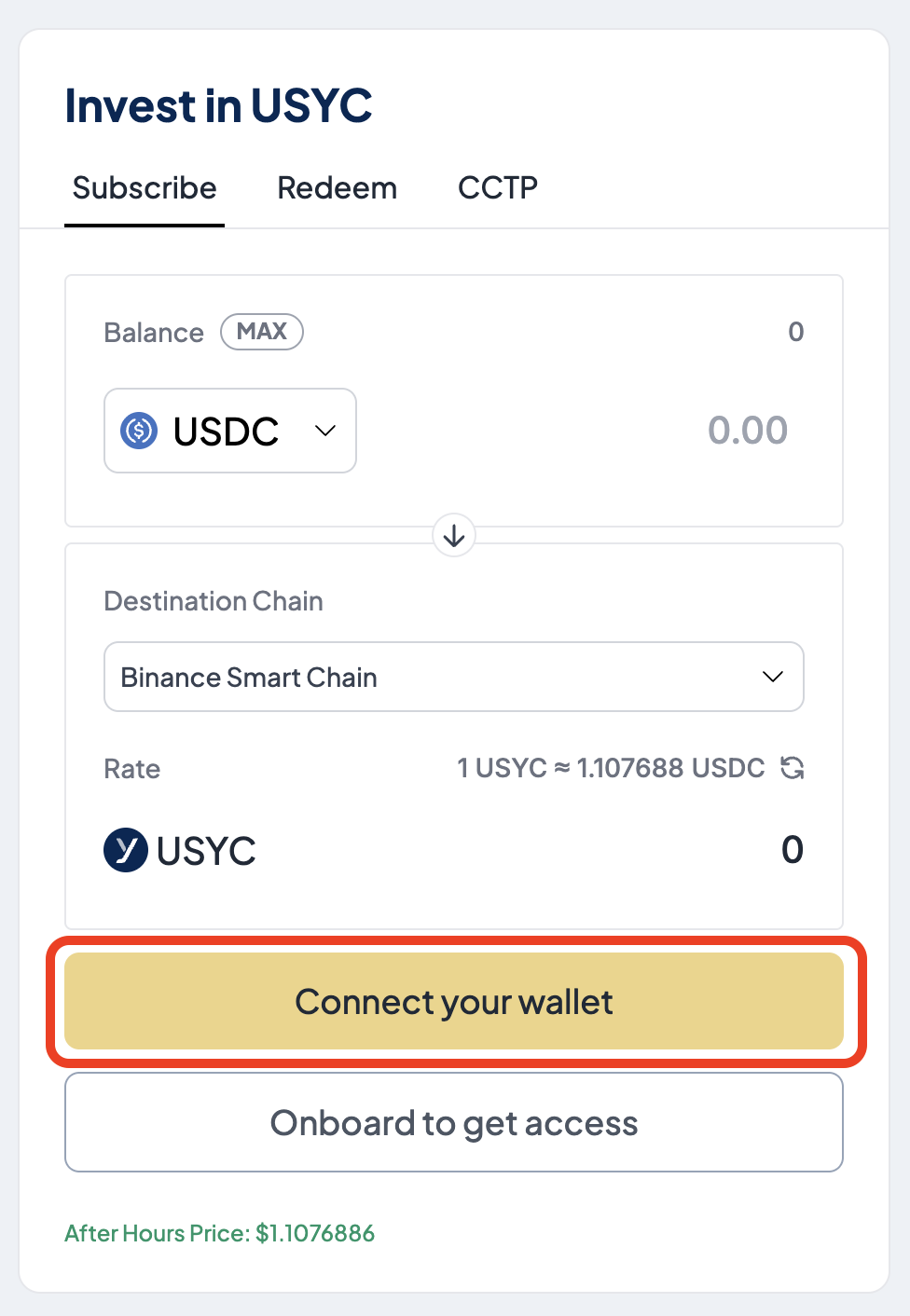
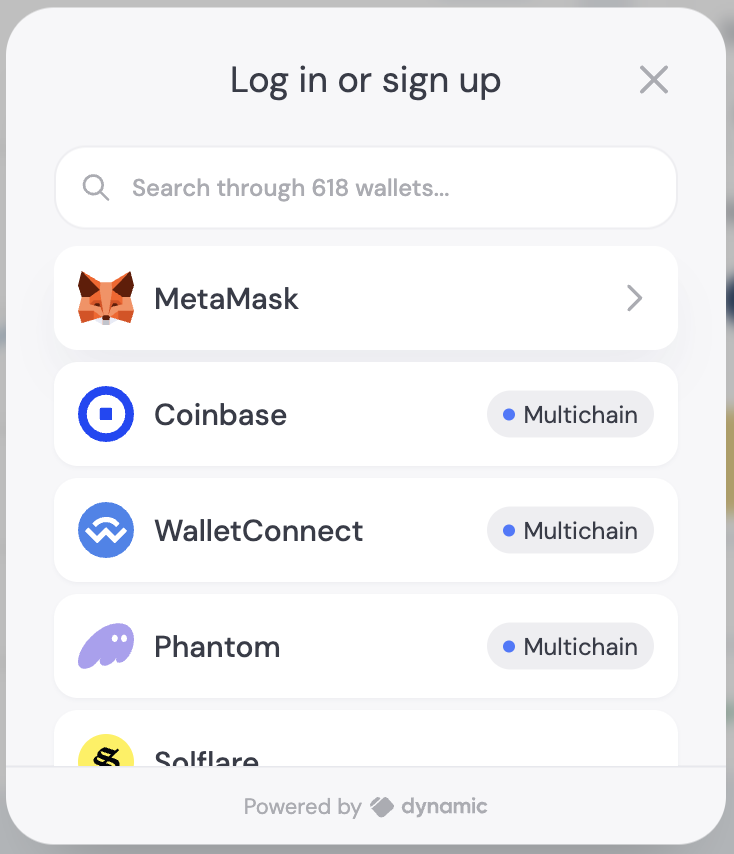
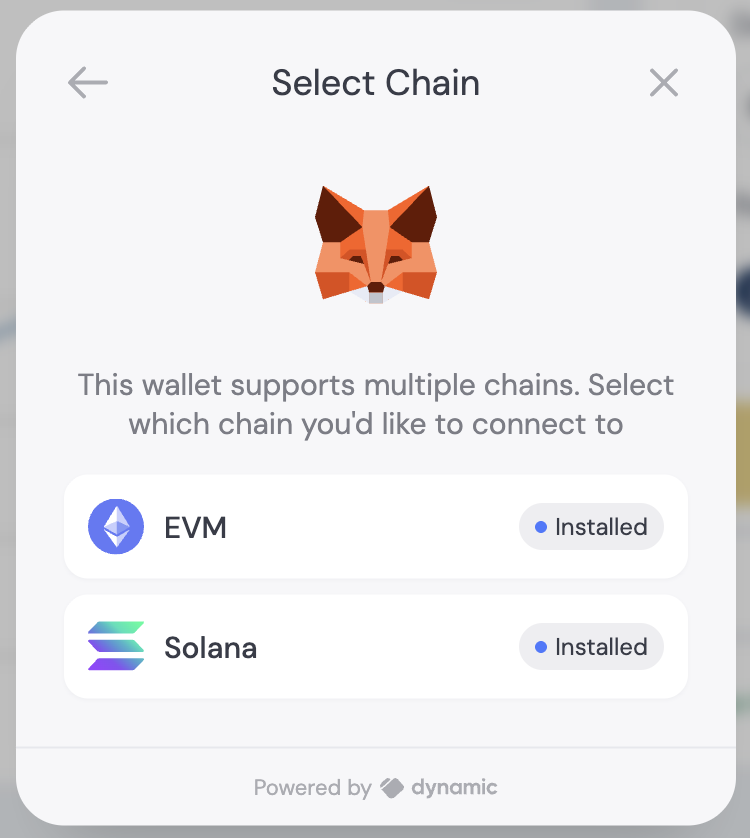
Connect your wallet and select the blockchain network where your funds are
located.
## Step 2. Subscribe to USYC
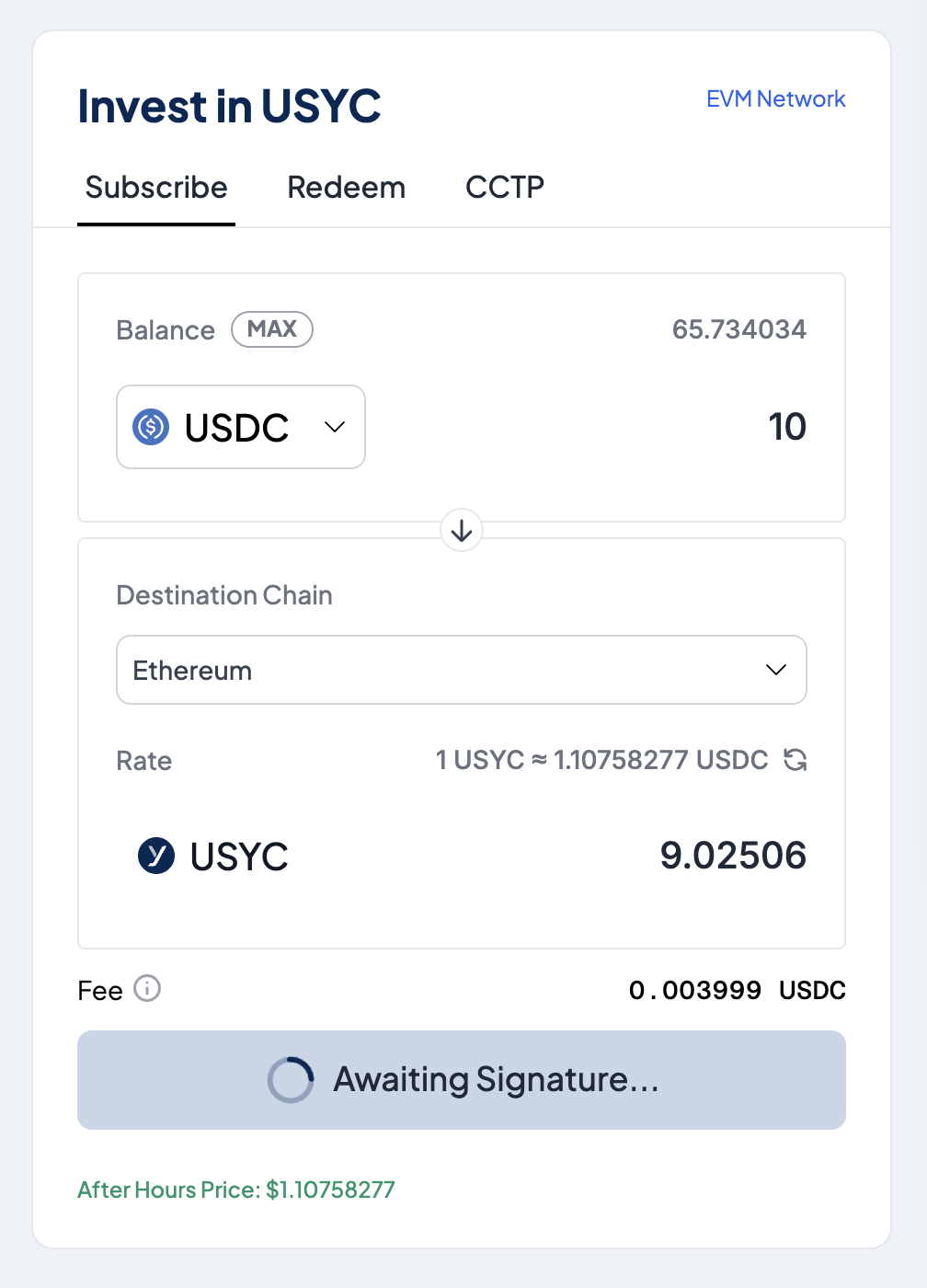
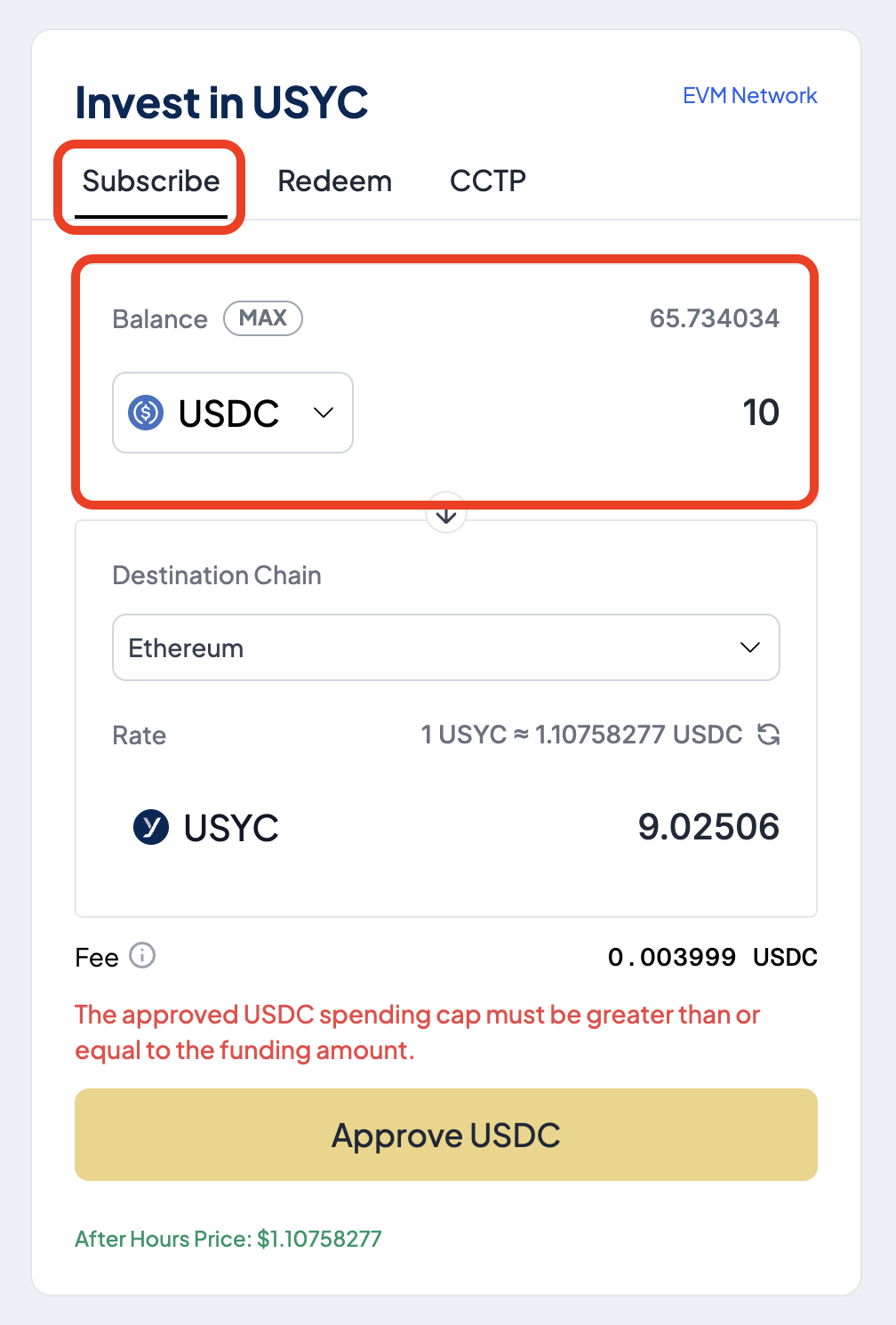
From the **Subscribe** tab and in the **Balance** section, enter the amount of USDC to invest.
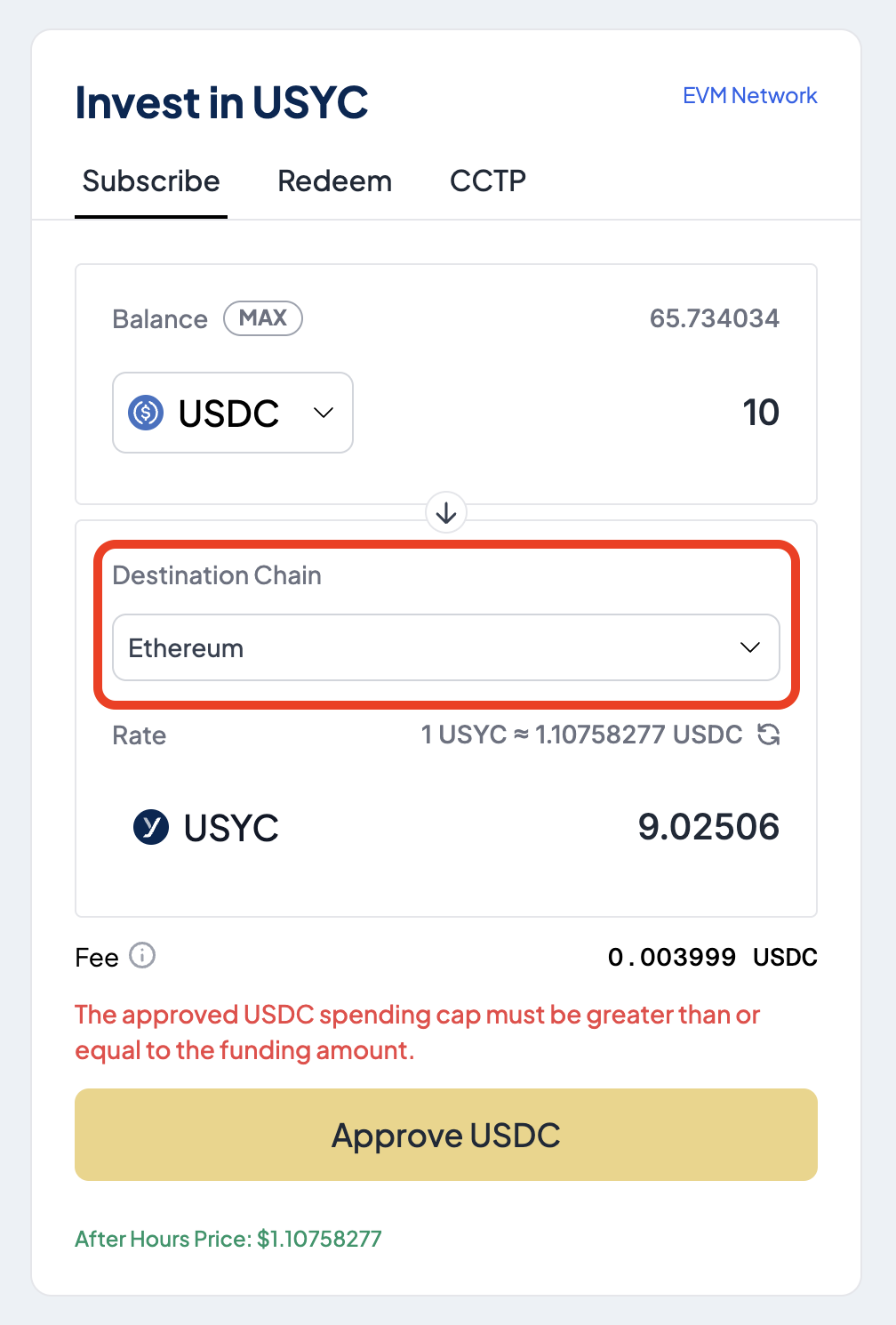
 In the **Destination Chain** section, select the blockchain where you want to receive USYC.
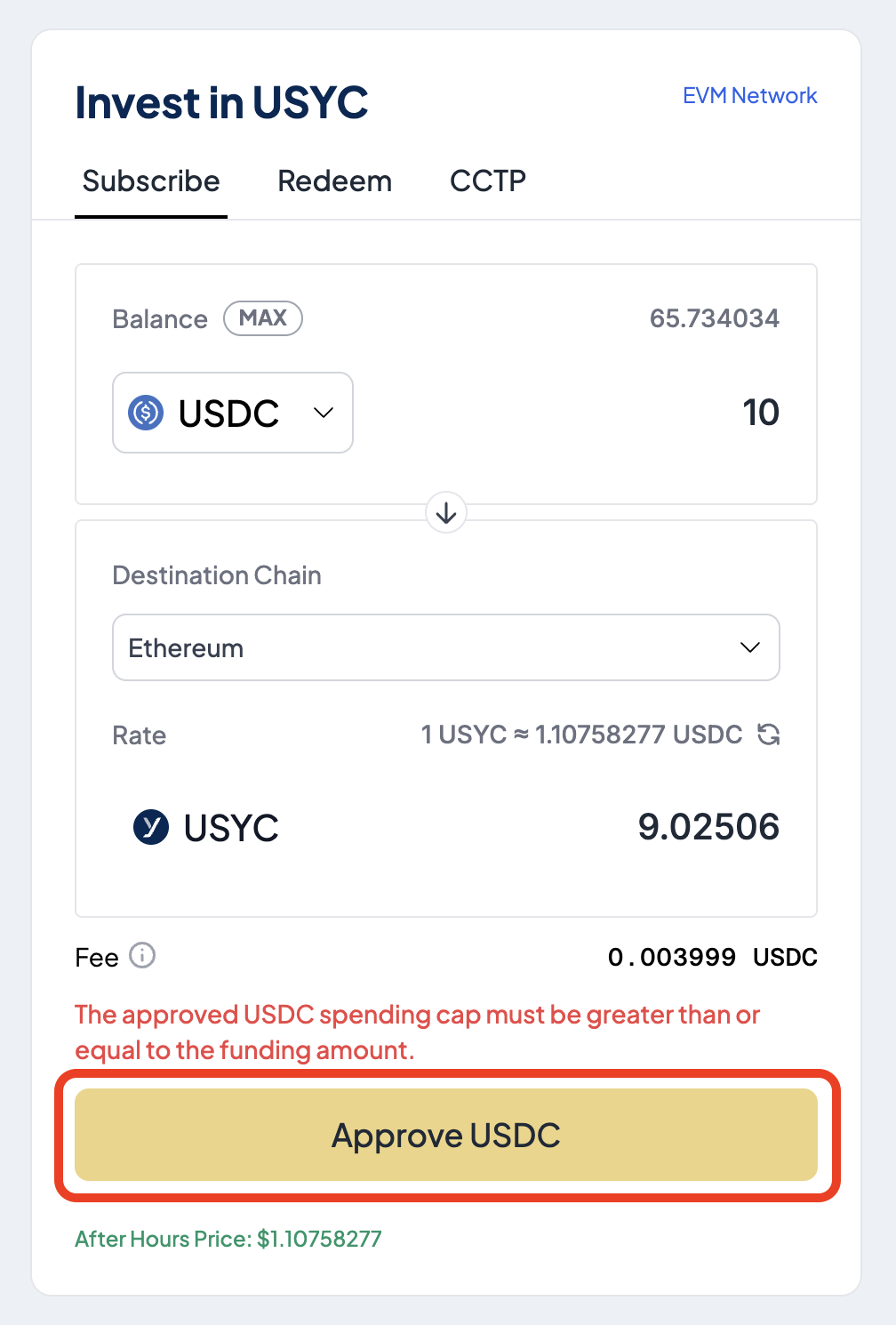
 Select **Approve USDC** to authorize the Teller contract to spend USDC.
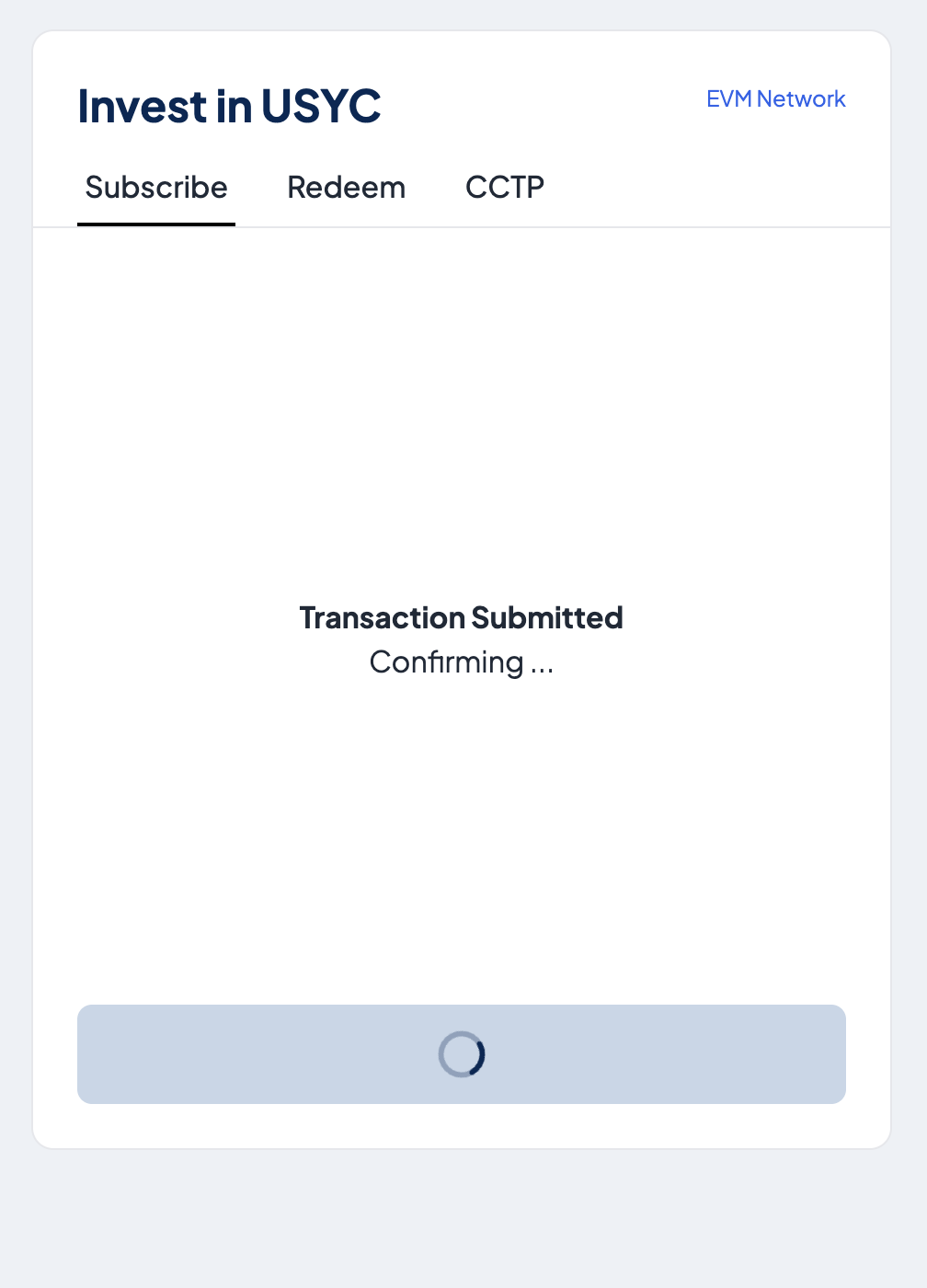
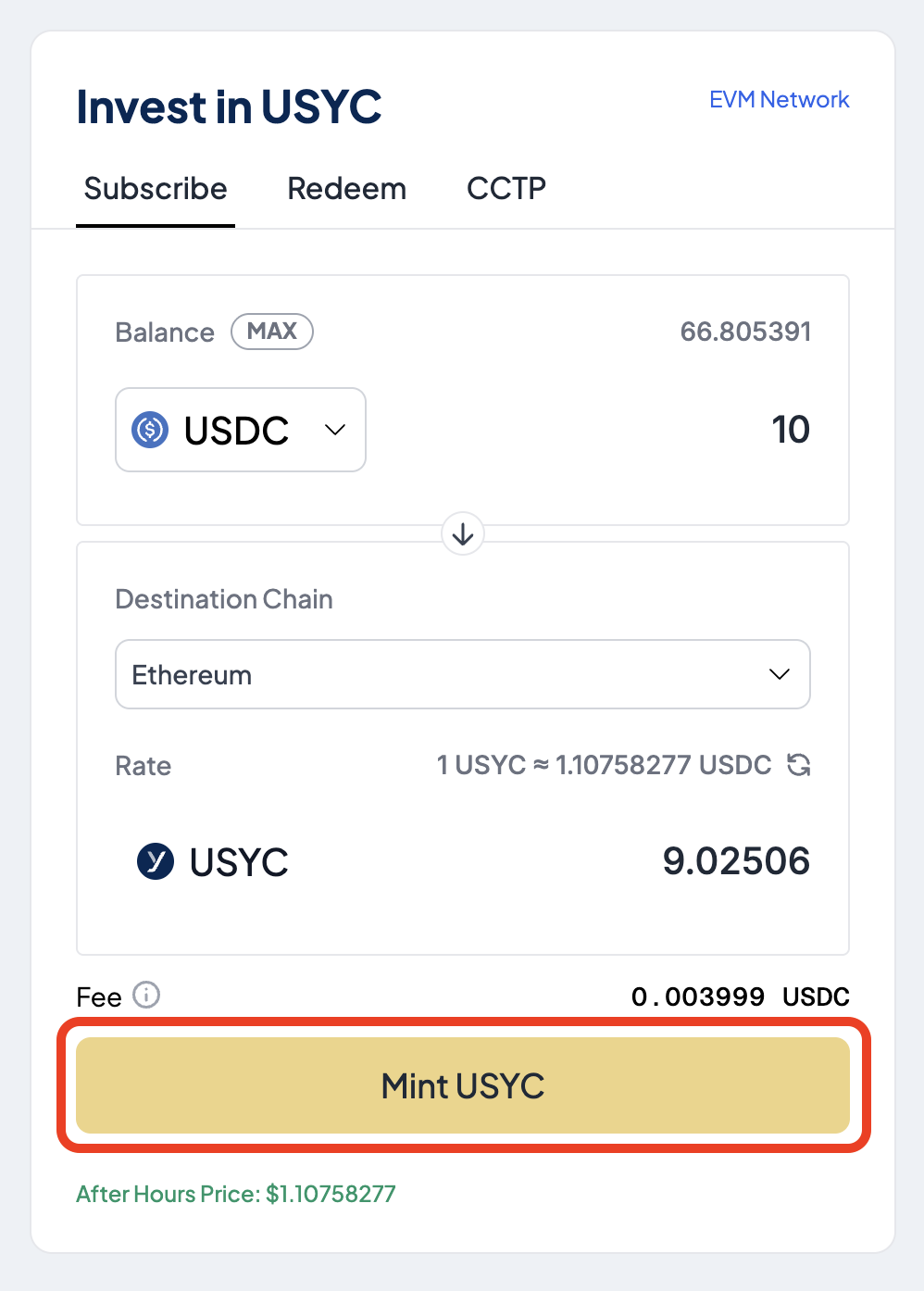
 Select **Mint USYC** to exchange the entered USDC amount for USYC.
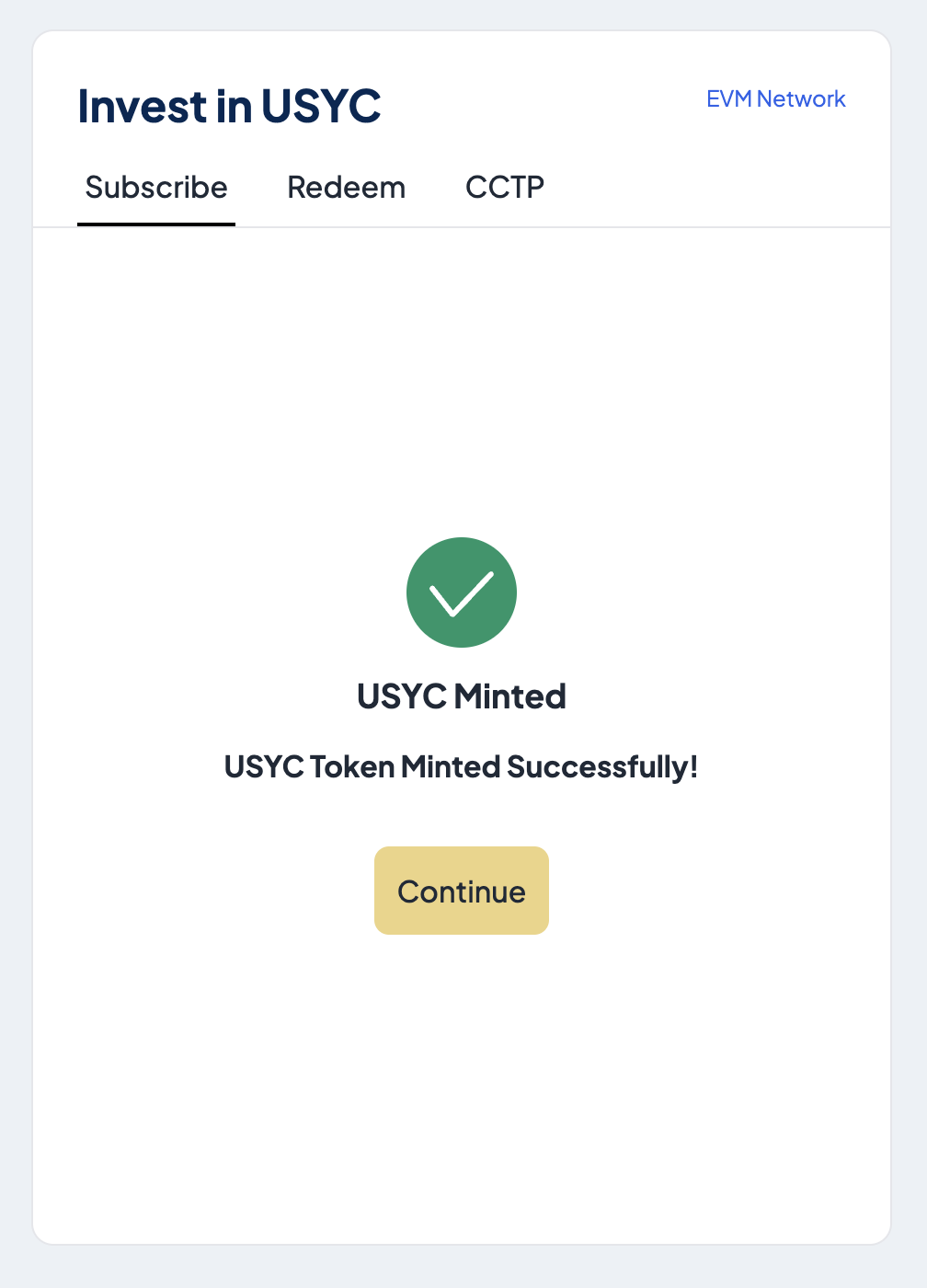
 If successful, a message is displayed confirming the minting of USYC.
 ## Step 3. Redeem USYC
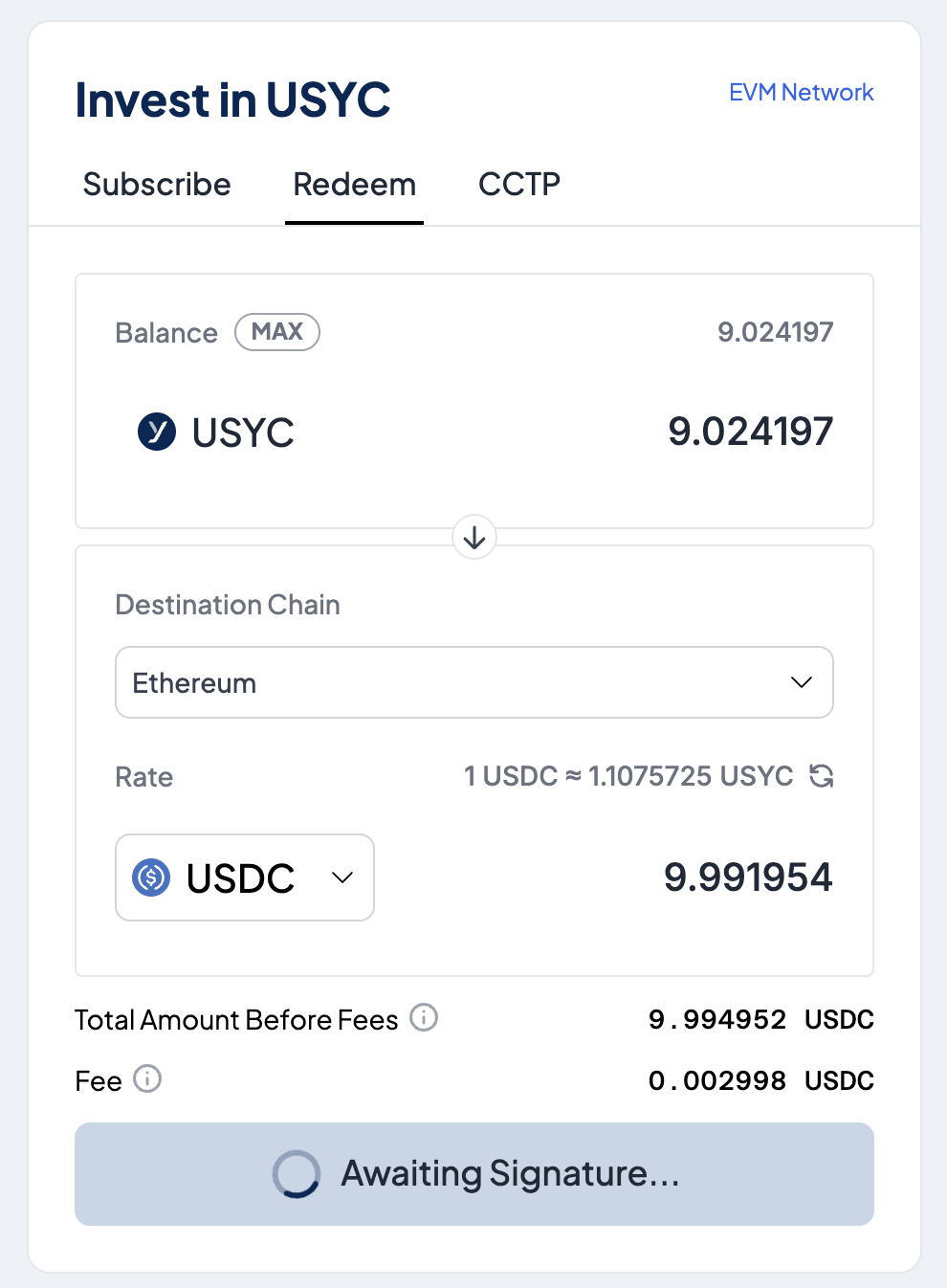
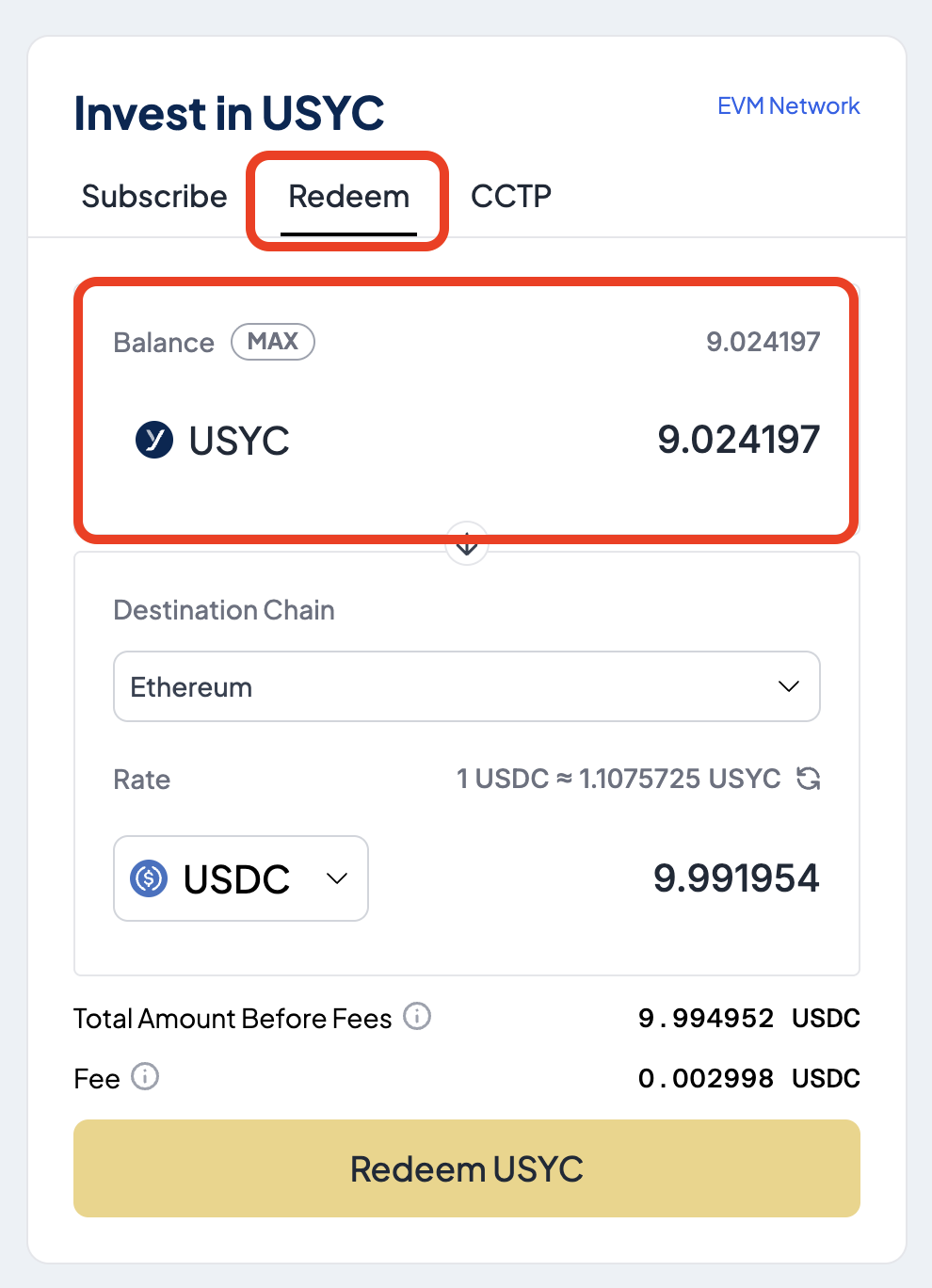
Select the **Redeem** tab and from the **Balance** section, enter the amount of USYC to redeem.
## Step 3. Redeem USYC
Select the **Redeem** tab and from the **Balance** section, enter the amount of USYC to redeem.
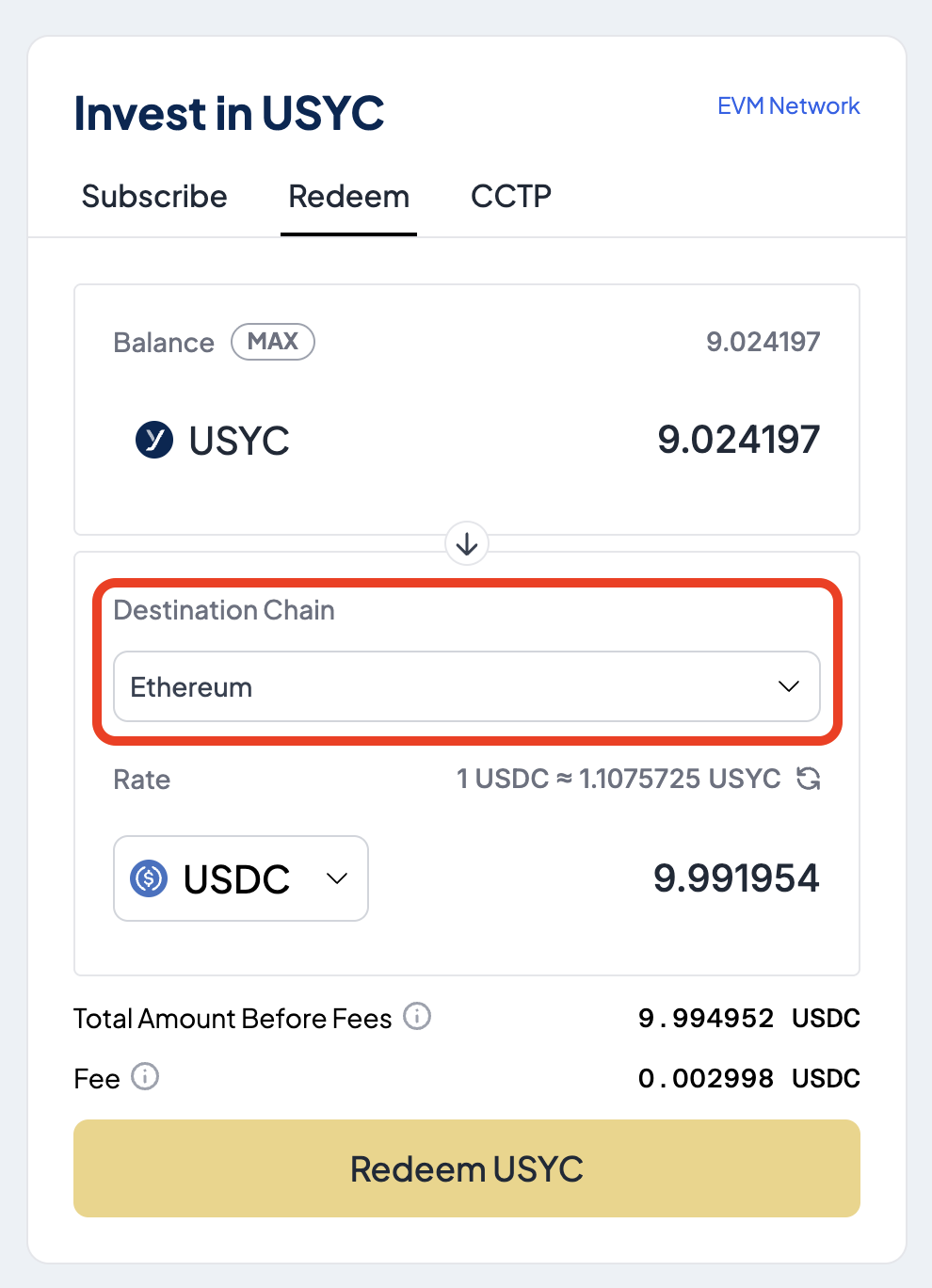
 In the **Destination Chain** section, select the blockchain where you want to receive USDC.
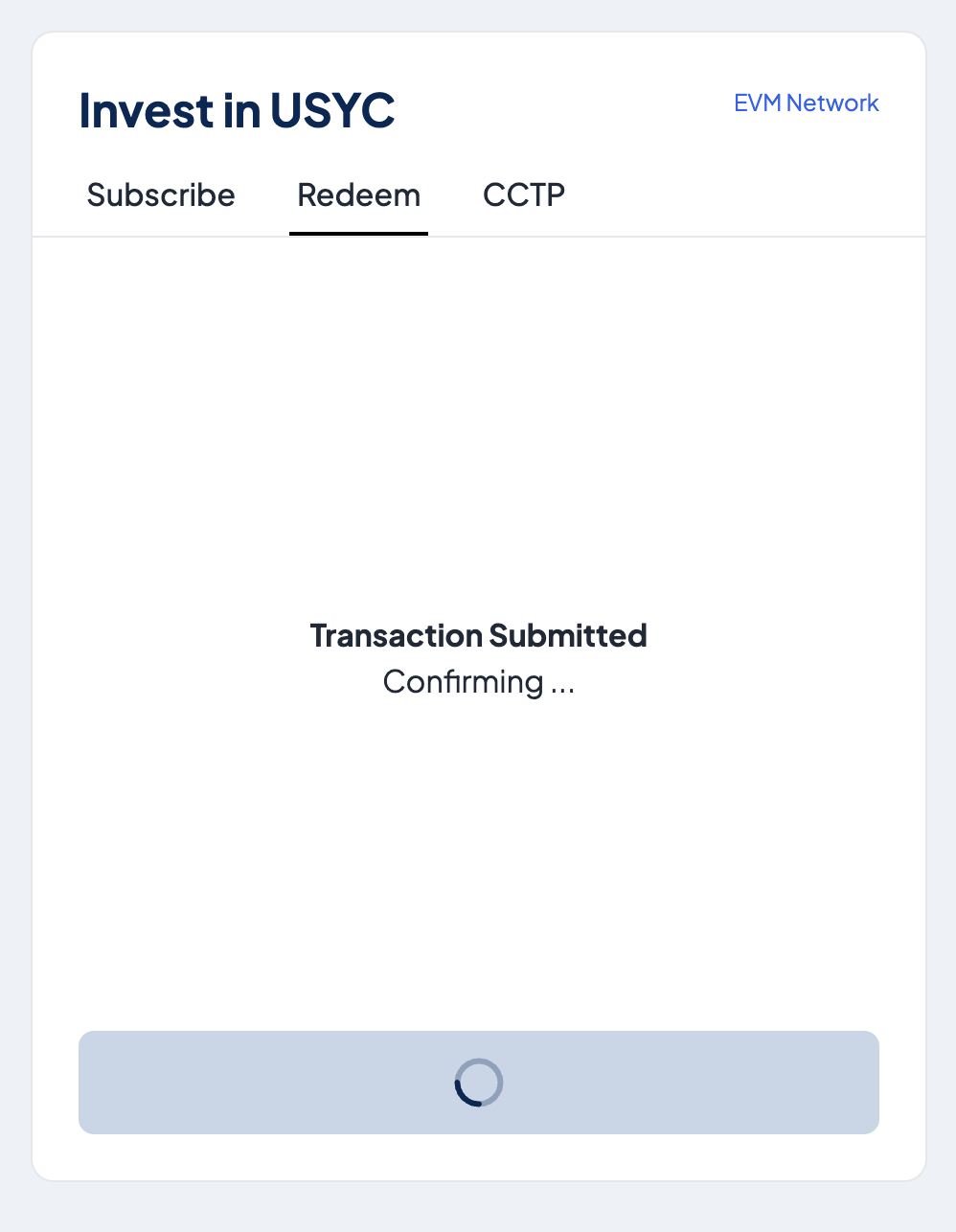
 Select **Redeem USYC** to exchange USYC for USDC. Fees apply.
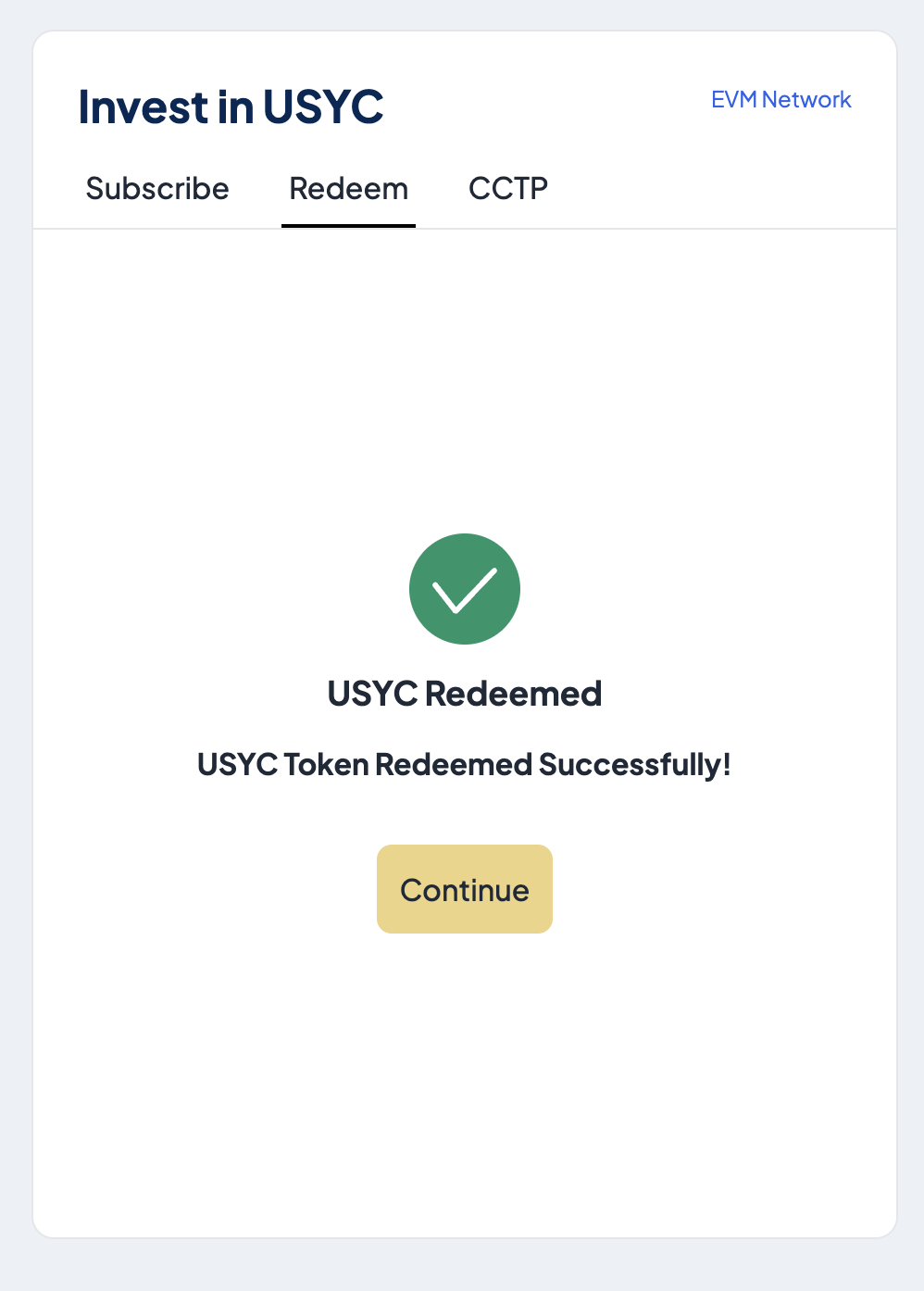
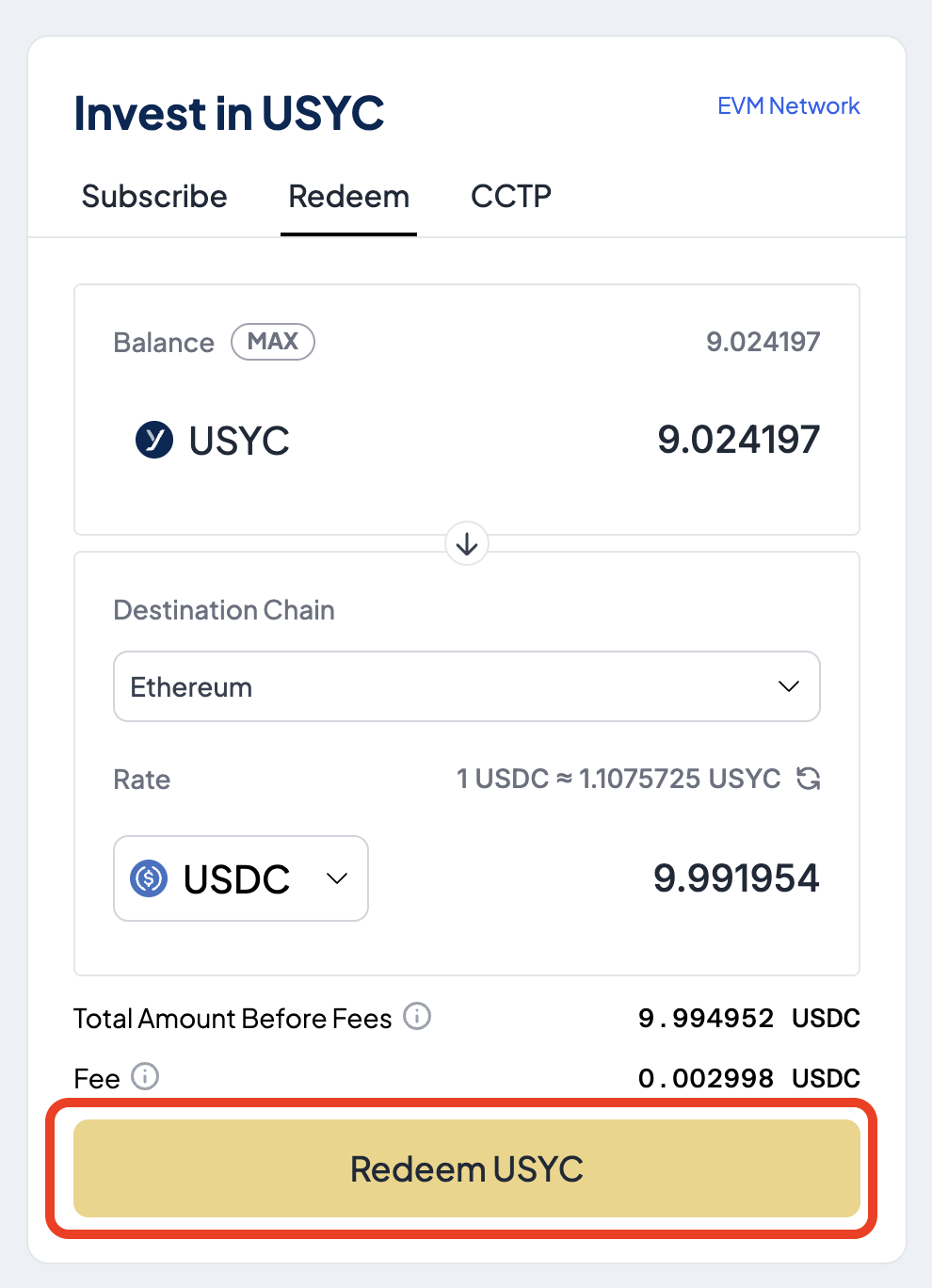 If successful, a message is displayed confirming the redemption.